



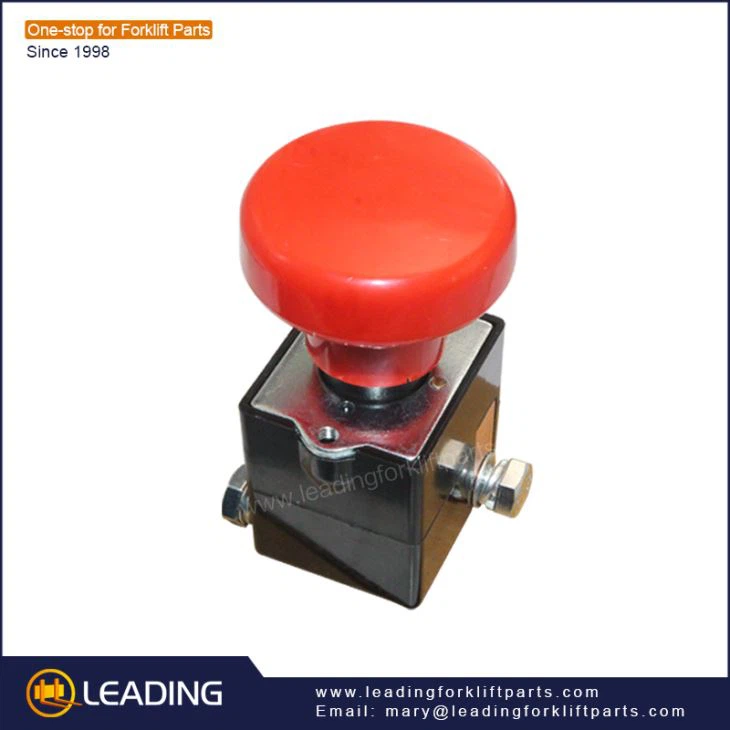
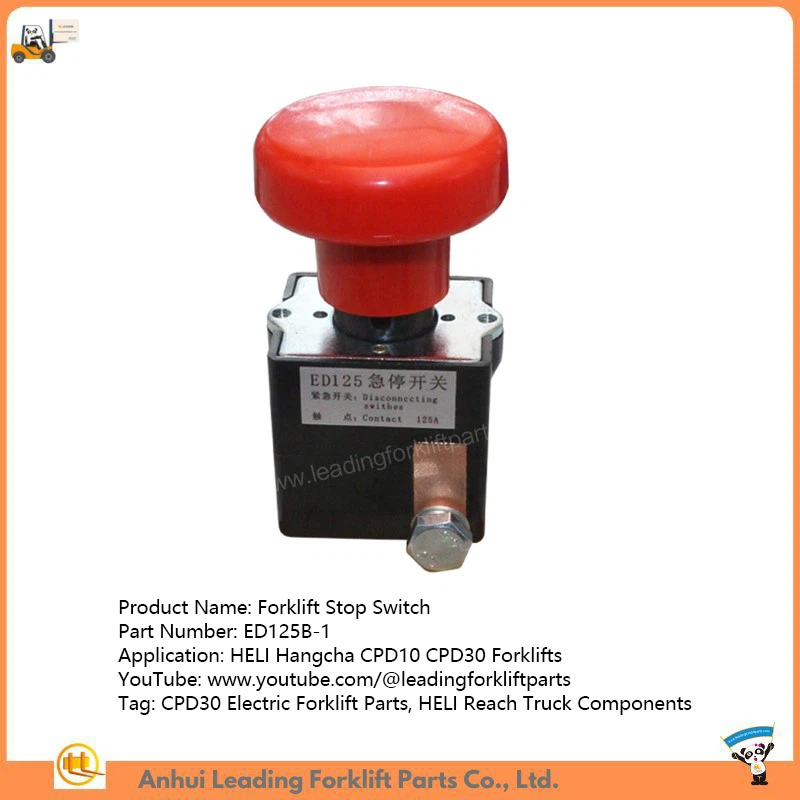
Forklift Parts OEM Albright Emergency Stop Switch ED250
Product Model: ED125B-1-GC emergency switch
Since our forklift steering knob, nissan h20 motor, Forklift Throttle Linkage entered the market, it has shown great potential, and we are confident that it will occupy a larger market share. Our enterprise development must closely follow the main line of independent innovation, emphasizing the innovation system with concept innovation as the leading, system innovation as the driving force, management innovation as the foundation and technology innovation as the core. We build a bridge of communication with trust to give our employees peace of mind and win with our customers. We always pursue the company development scale and efficiency, as well as the sustainable development of enterprises.
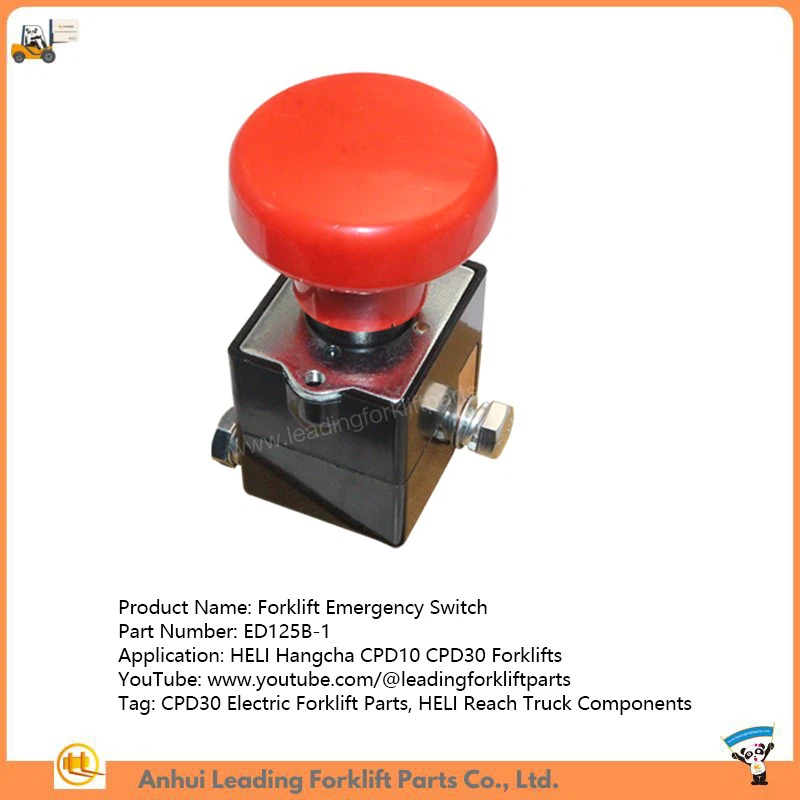
Product Title: Forklift Emergency Switch
Product Model: ED125B-1 for HELI Hangcha CPD10 CPD30 Forklifts
Products Description
Products Parameters
|
Item |
Description |
|
Product Name |
Forklift Emergency Switch(125A) |
|
P/N |
ED125B-1 |
|
Applied Model |
HELI Hangcha CPD10 CPD30 Forklifts |
|
Net Weight (kg) |
0.4 |
|
Gross Weight (kg) |
0.5 |
|
Qty per Carton |
1 |
|
Carton Size (cm) |
11*7*7 |
Products Description
How to Reset the Emergency Stop Switch on a Forklift
Resetting the emergency stop switch on an electric forklift typically involves the following steps:
1. Ensure Safety: First, ensure there are no safety hazards at the site and that all personnel have evacuated the danger zone.
2. Identify the Emergency Stop Button: Determine which emergency stop button was pressed. These buttons are usually red and have a mushroom-shaped head.
3. Release the Emergency Stop: Depending on the type of button:
- Twist-to-Reset Type: Rotate the button clockwise until you hear a "click" sound, and the button springs back to its initial position.
- Pull-to-Reset Type: Simply pull the button out to its initial position.
4. Check System Status: Inspect the forklift control panel or display screen for status information to confirm that the emergency stop has been deactivated.
5. Resume Operation: Once everything is confirmed to be normal, press the start button or execute the start command to resume normal forklift operation.
6. Monitor Operation: After resuming operation, closely monitor the forklift to ensure it is functioning correctly and without any abnormalities.
Following these steps ensures safety while correctly resetting the emergency stop switch, allowing the forklift to be put back into operation.
Since the establishment of the company, the export of our Forklift Parts OEM Albright Emergency Stop Switch ED250 has made great progress. In the ever-developing market, we strive to improve the entire operating system from market operation to sales and service. Based on our unique expertise and product quality, we have gained an unparalleled reputation for reliability in our long history.
You Might Also Like


Send Inquiry